
Detect Rare and Uncommon Fur Types
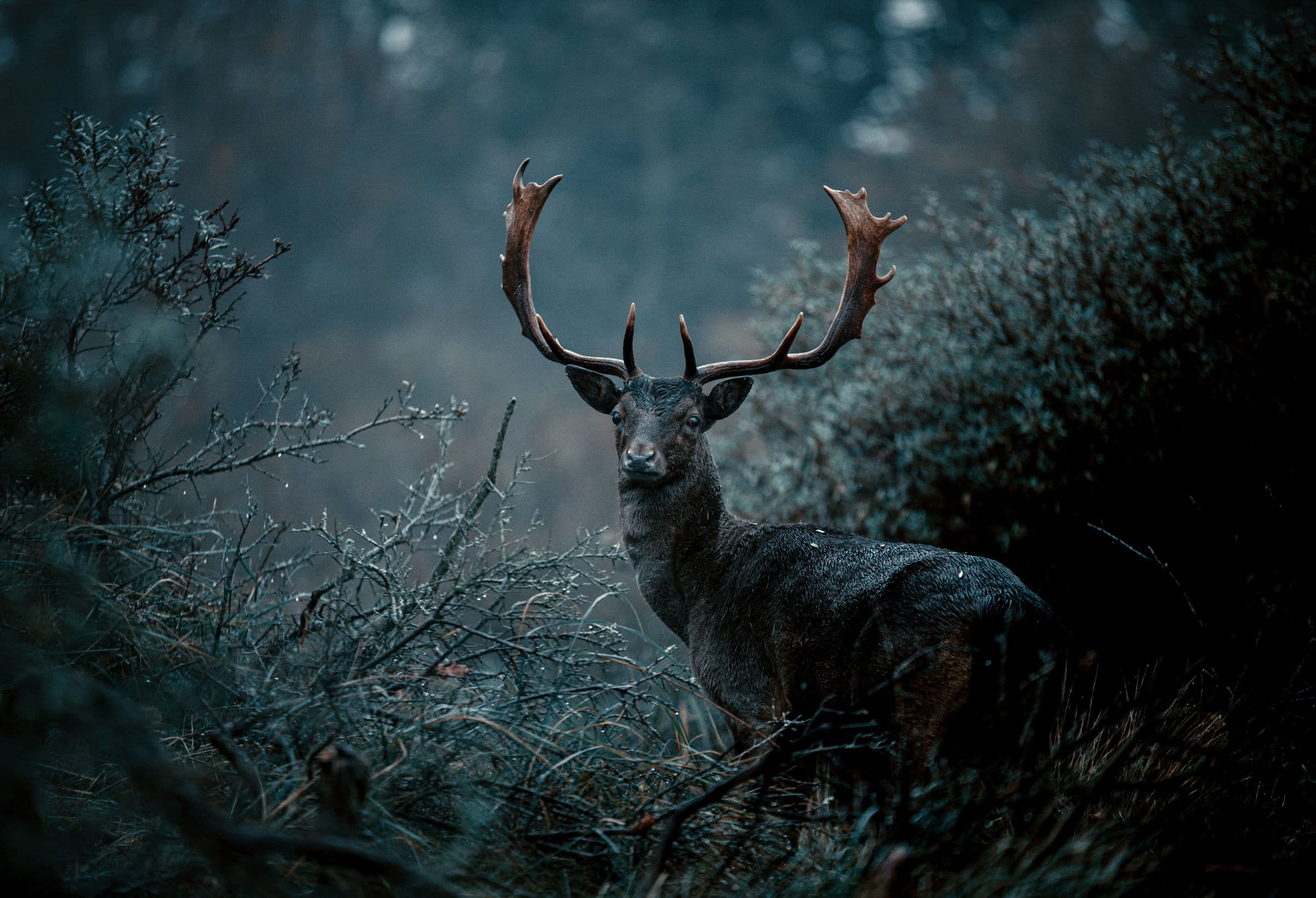
The theHunter: Call of the Wild Rare Fur Detector compares saved fur values with species-specific rarity references. It distinguishes common, uncommon and rare variants, explains the classification and links every result to the relevant Fur Guide entry.
How the Rare Fur Detector Reaches a Result
Species-specific rarity
Evaluate a fur type in the context of its species instead of treating the same label as equally rare everywhere.
Clear rarity labels
Use common, uncommon, rare and special states with text and icons so meaning never depends on color alone.
Reference verification
Open the matching public fur reference to review classification notes and known variants.
When to Check a Local Animal Fur Record
- Choose a species or load supported local animal records.
- Filter by fur classification and review detected variants.
- Open Fur Guide to verify rarity notes and related species information.
How to Read a Rarity Result Without Overclaiming
Confirm species, fur type, and source record before reading rarity class, sex availability, and variant notes.
A result is a reviewable classification, not a color-only badge. Rule version and collection status help show whether the record still needs another check.
From a Local Fur Value to a Reviewable Classification
Rare fur classification
| Fields and filters | Static example |
|---|---|
| Species | Plains bison |
| Fur type | Albino |
| Classification | Rare |
| Reference | Species-specific |
Rarity is evaluated per species and may change when verified game data changes.
Verifying Old Scar and other Intisuyu fur results
The official Hotfix 9.2.1 notes identify Old Scar as a mission Jaguar with a unique fur variation and correct how her taxidermized trophy is created. A detector result should therefore preserve the animal, fur value, source record, and mapping version rather than rely on a lodge screenshot alone.
The post-hotfix Known Issues list records Harvest Screen model problems for some Peru species. If a model looks unusual but the local fur value and species-specific rule agree, report the visual discrepancy separately instead of silently changing the rarity classification.
Continue With the Step-by-Step Documentation
This article focuses on the hunting question and how to interpret the result. For interface controls and complete procedures, continue with:
Privacy and Local Processing
Raw saves, private hunter statistics and exact animal coordinates are processed locally by default. They are not placed in public URLs, page metadata or indexable HTML.
Frequently Asked Questions
Is every albino or melanistic fur equally rare?
No. Availability and rarity are evaluated for the selected species; labels should not be generalized across all animals.
How are rarity changes handled?
The public guide records the current classification and rule version so results can be reviewed when game data changes.
Can I browse fur types without a save?
Yes. Fur Guide and all public explanations remain available without loading private data.
Related theHunter: Call of the Wild Tools
- Explore Fur Types, Variants and Rarity
- Find Rare and Exceptional Animals in Your Reserves
- Explore Species, Trophy Lines and Activity Data
- Read Patch 9.2 Changes Without Misreading Your Save
Unofficial tools independently developed by a solo developer for theHunter: Call of the Wild. Not affiliated with Expansive Worlds or Avalanche Studios Group.